

DT JSON Helper – Organize your JSON files
The missing tool for Draw Things users
FAQ | Screenshots | Download
DT JSON Helper is a macOS tool for managing JSON files from Draw Things. The app allows you to:
- Reorder: Organize entries via drag & drop in your desired order to keep your Draw Things menus neatly sorted
- Rename: Quickly and easily rename entries
- Show Details: View the complete JSON code of individual entries
- Delete: Remove entries you no longer need
- Cleanup: Find and remove entries that reference files that no longer exist. It can happen that JSON entries are still present even though the associated files (e.g., LoRAs, ControlNets) have already been deleted. The cleanup function automatically detects these orphaned entries.
Supported files: custom_lora.json, custom_configs.json, custom_prompt_style.json, custom_controlnet.json, and other Draw Things JSON files.
Important: Use this app at your own risk. Always work with copies of your JSON files to avoid accidental data loss. Close Draw Things before saving to prevent conflicts.
FAQ
What is DT JSON Helper?
DT JSON Helper is a macOS tool for managing JSON files from Draw Things. You can sort, rename, delete entries and clean up missing files.
Where can I find the Draw Things JSON files?
Usually in this folder:
~/Library/Containers/com.liuliu.draw-things/Data/Documents/Models/
To get there: In Finder press ⇧⌘G and paste the path.
Which files are supported?
All Draw Things JSON files with array structure, especially:
- custom.json
- custom_lora.json
- custom_configs.json
- custom_prompt_style.json
- custom_controlnet.json
What does the cleanup function do?
It finds entries that reference files that no longer exist (e.g., deleted LoRAs) and offers to remove them. This keeps your JSON files clean.
Can I undo changes?
No. Create a copy of the file beforehand or use "Save As..." for a backup.
Do I need to close Draw Things?
Yes, recommended. Draw Things might overwrite your changes when quitting. The app warns you if Draw Things is running.
Which macOS version is required?
macOS 15.2 (Sequoia) or newer.
Does the app cost anything?
No.
Screenshots
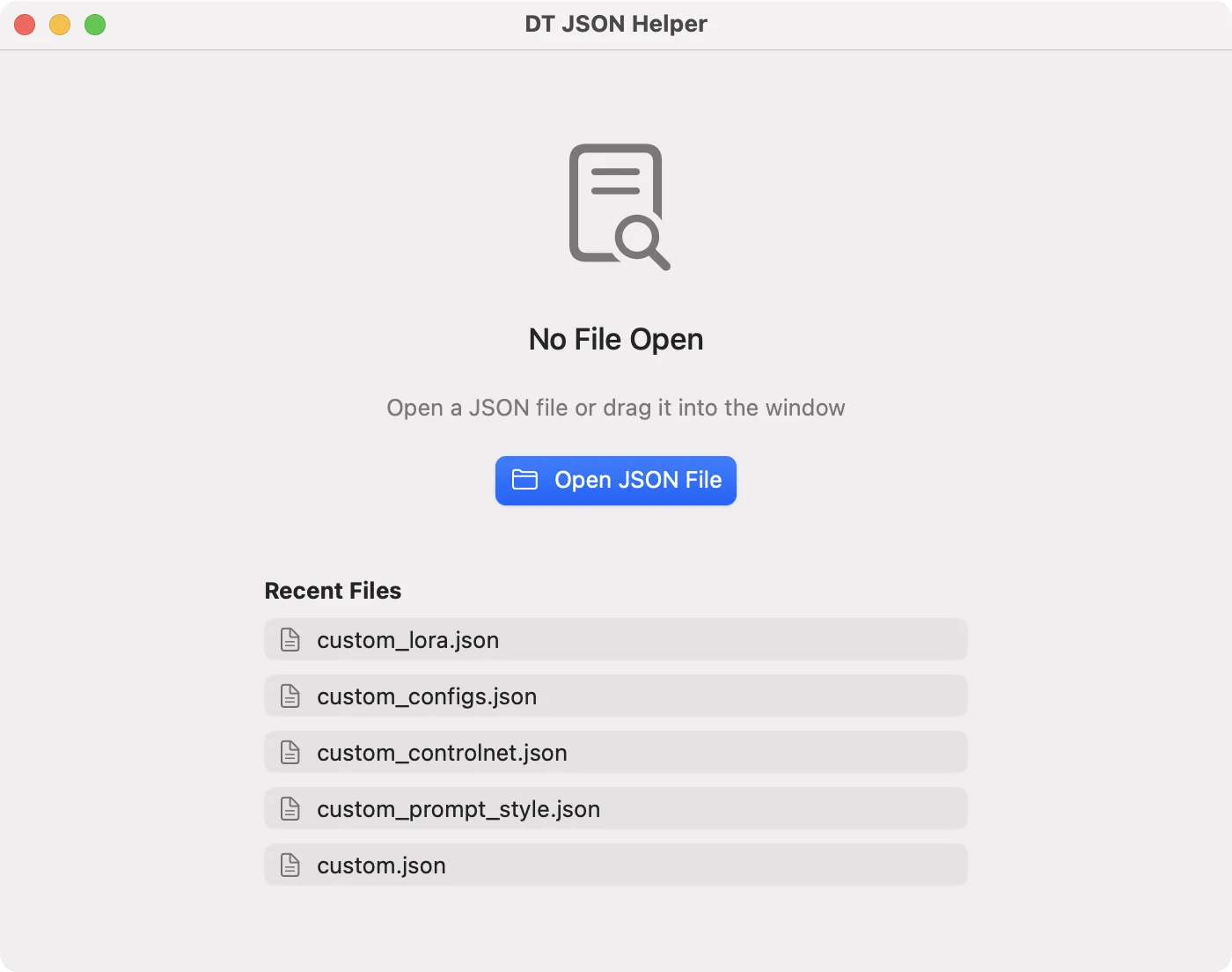
The startup window shows the five most recent files
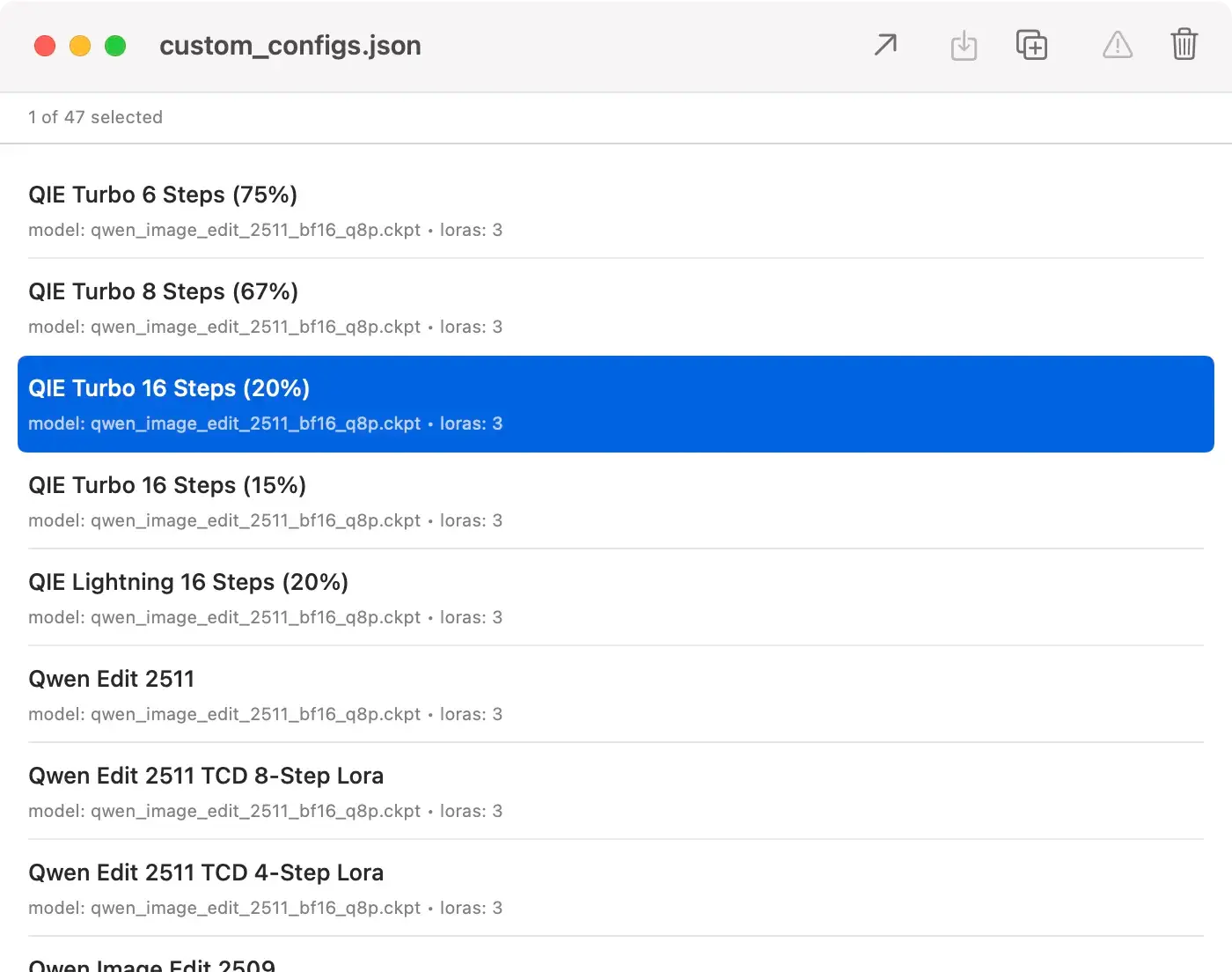
The opened custom_configs.json file
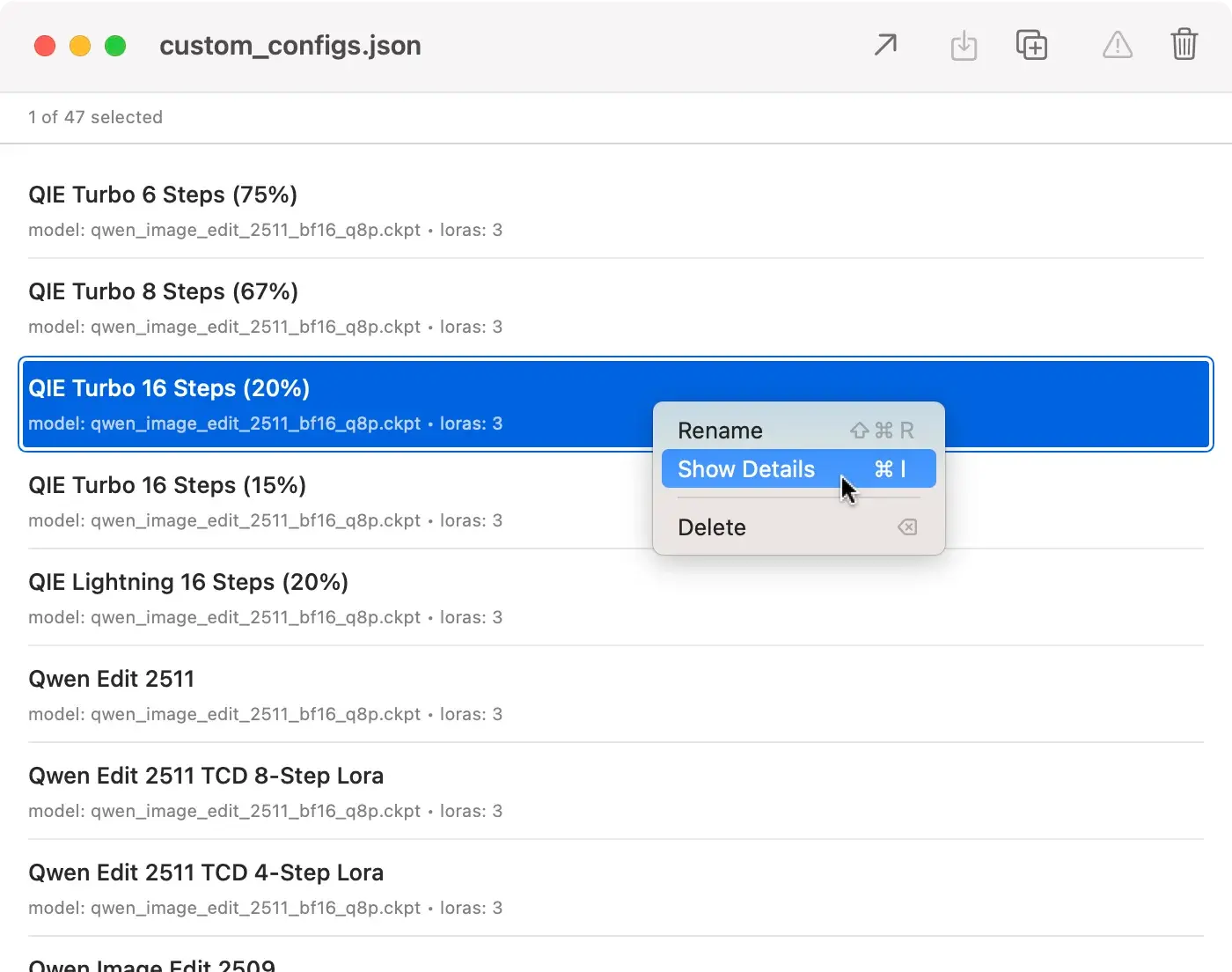
The context menu
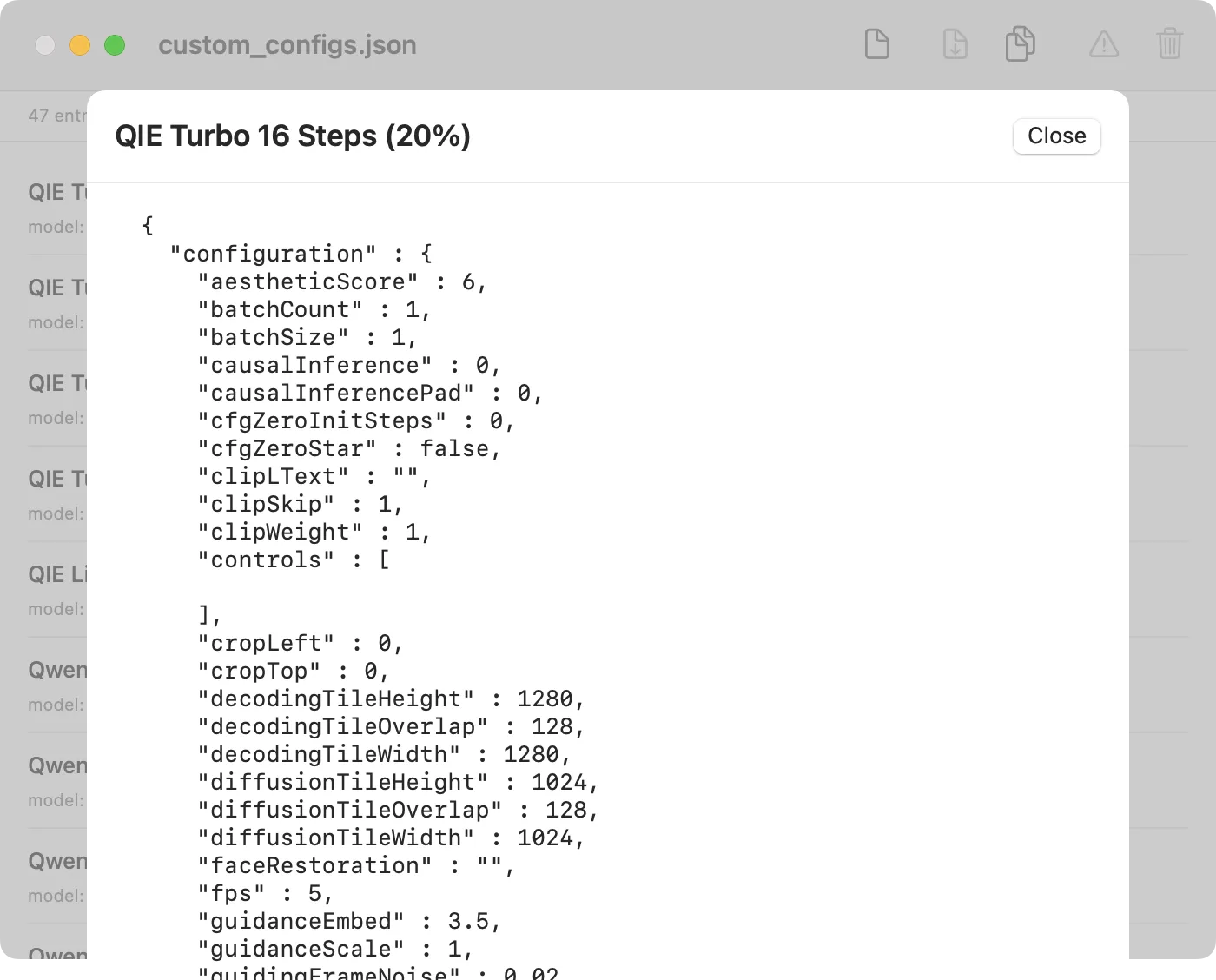
Detail view of a JSON object
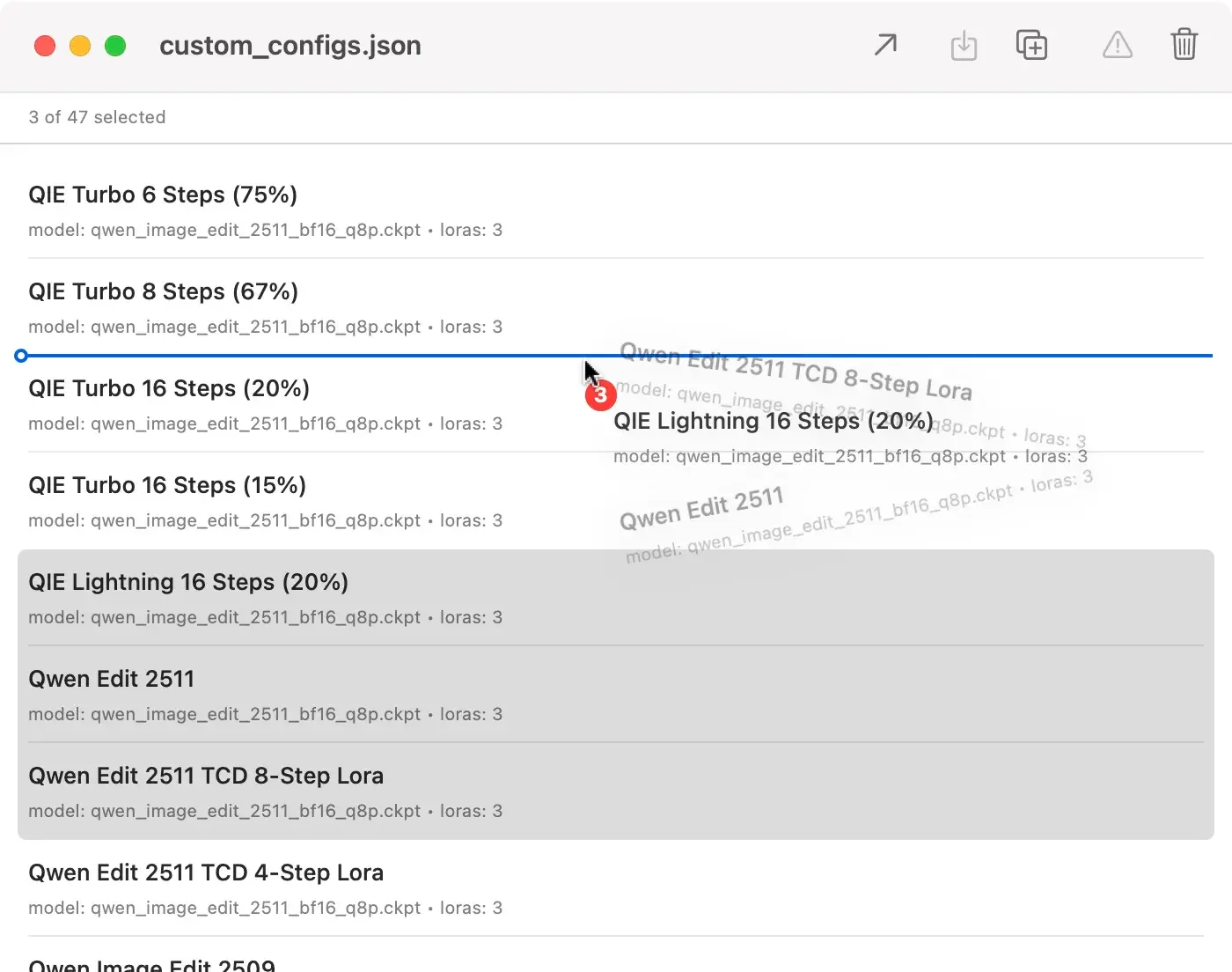
Entries can be reordered
Download
Current Version: 1.0.1 (February 7, 2026)
What’s new?
Version 1.0.1
February 7, 2026- Complete Localization: All menu items and dialogs are now fully available in German and English
- Detail View Navigation: In the detail view, you can now navigate through all entries using previous/next buttons or arrow keys (←/→) without closing the window
- Improved Window Sizing: The detail view now dynamically adapts to the main window size
Version 1.0
February 7, 2026- First release of DT JSON Helper.
More Apps

MetaData

DeskMate

Wann war das

Designers Toolbox
