

Harbor – Your Safe Place
For all that matters to you
The perfect companion for Apple’s Passwords app
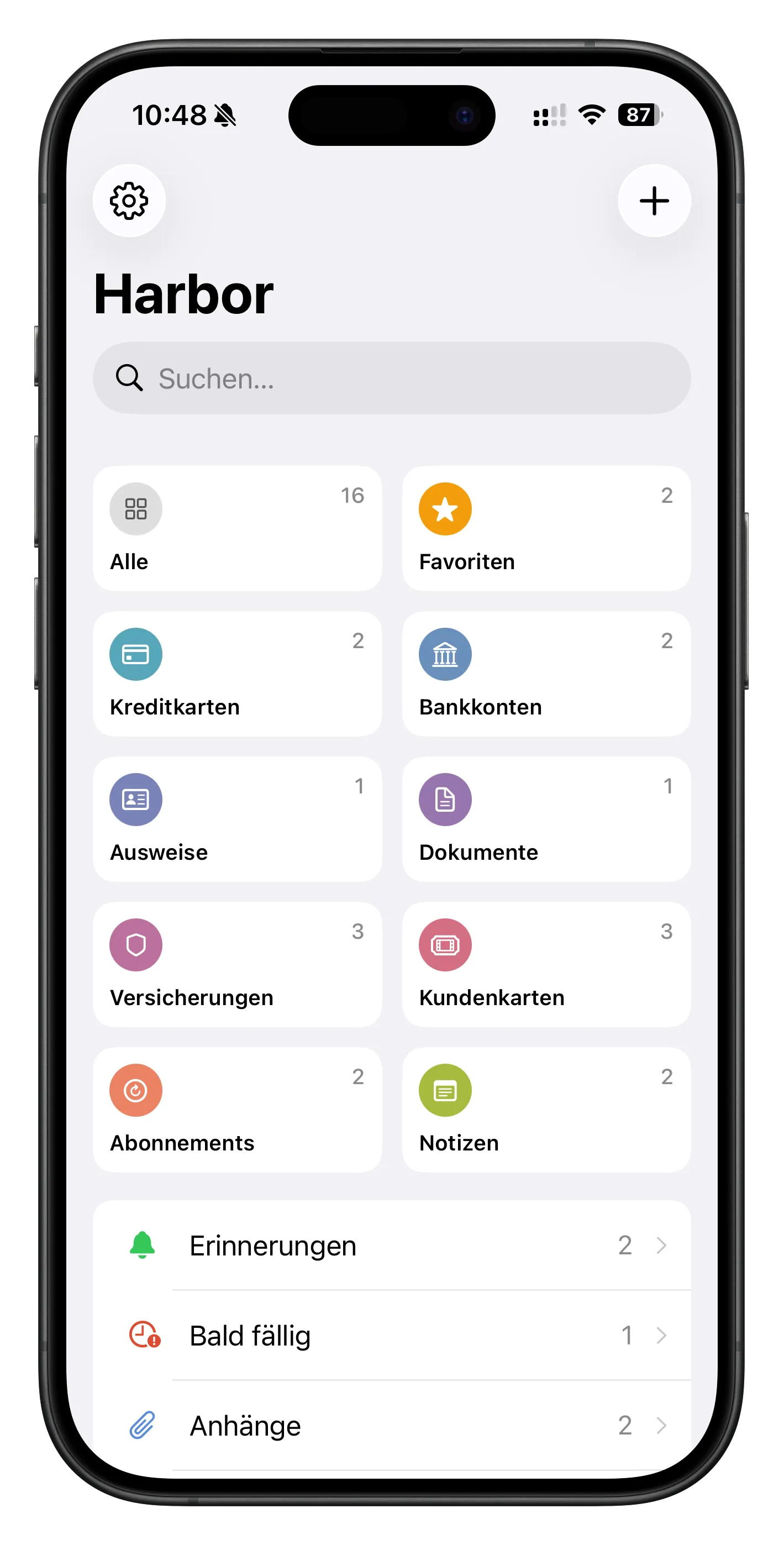
Passwords handles your passwords – Harbor takes care of everything else: credit cards, IDs, bank accounts, insurance, contracts, loyalty cards, memberships, notes, and more. Encrypted, private, always at hand. Together they cover everything you want to keep safe.
Secure. Truly secure.
Face ID and Touch ID protect your data. No one but you has access – not even us.
No account. No email. No compromises.
Harbor needs no account and has no knowledge of your data. What you store belongs only to you – encrypted on your devices and in iCloud, never on our servers. Because we don’t have any.
iPhone. iPad. Mac.
Harbor runs on all your Apple devices and keeps everything in sync automatically via iCloud. One purchase, all devices.
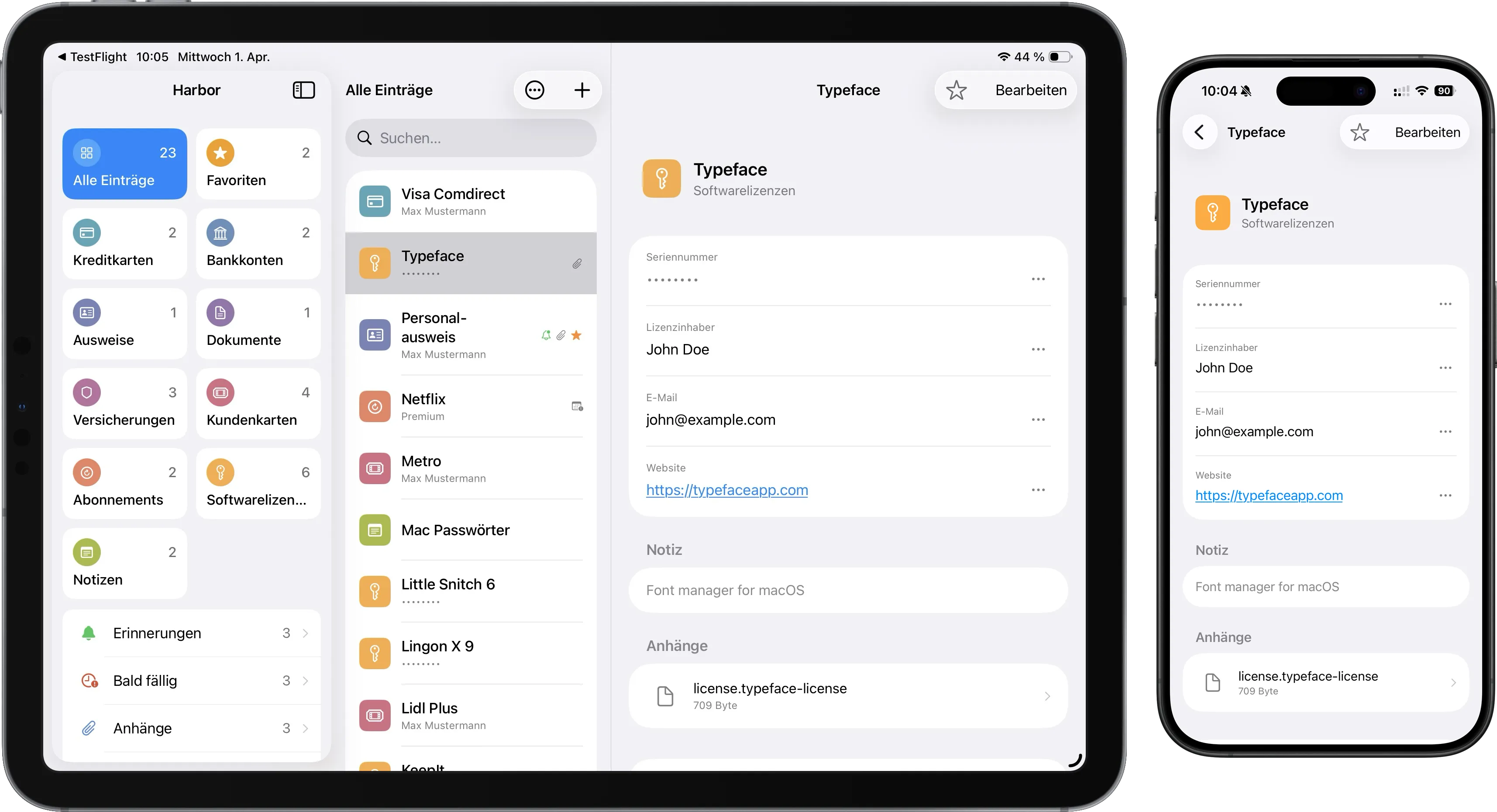
Right at home on Mac
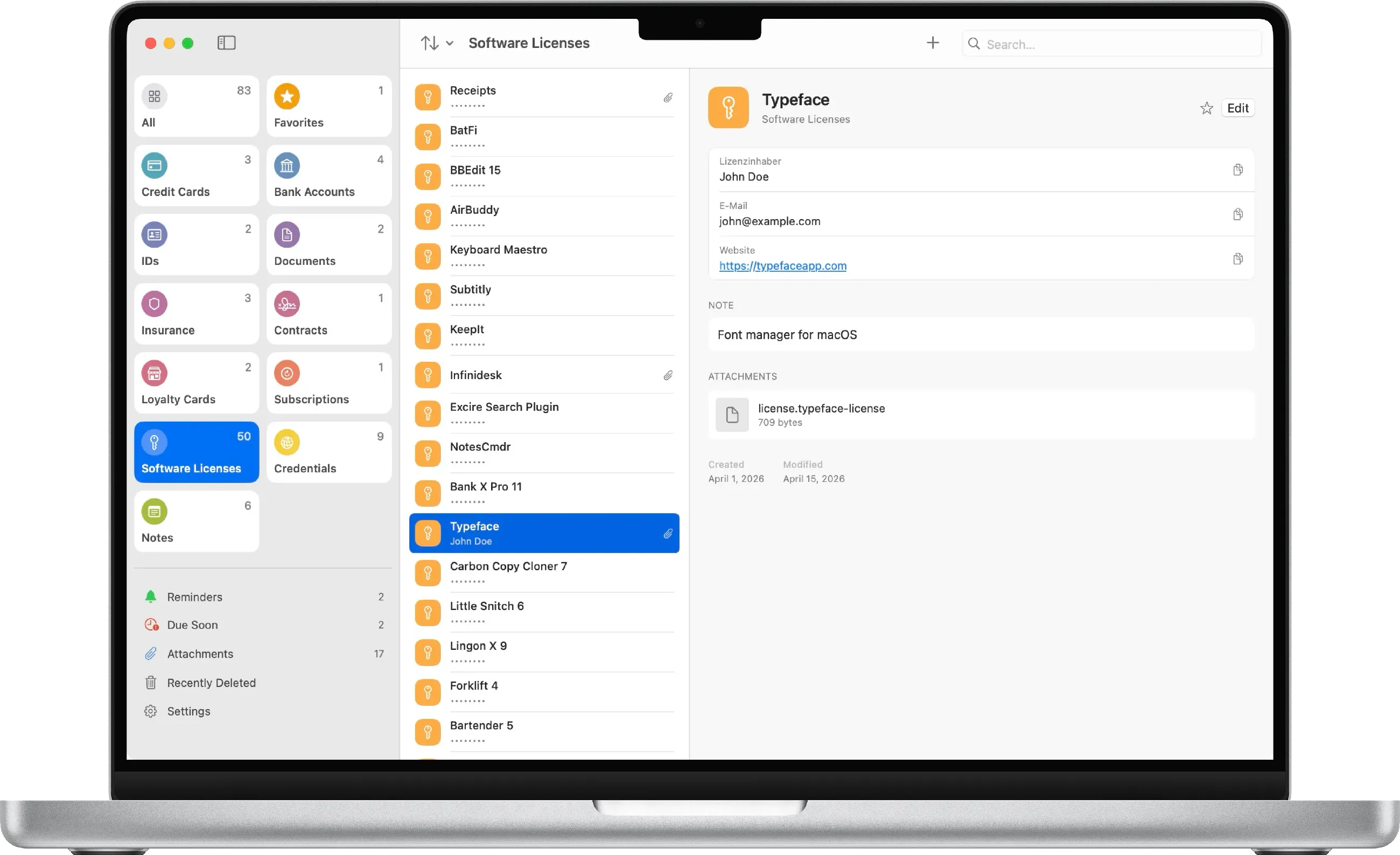
The Mac app with categories, smart filters like "Due Soon" and "Reminders", a sortable list and detail view.
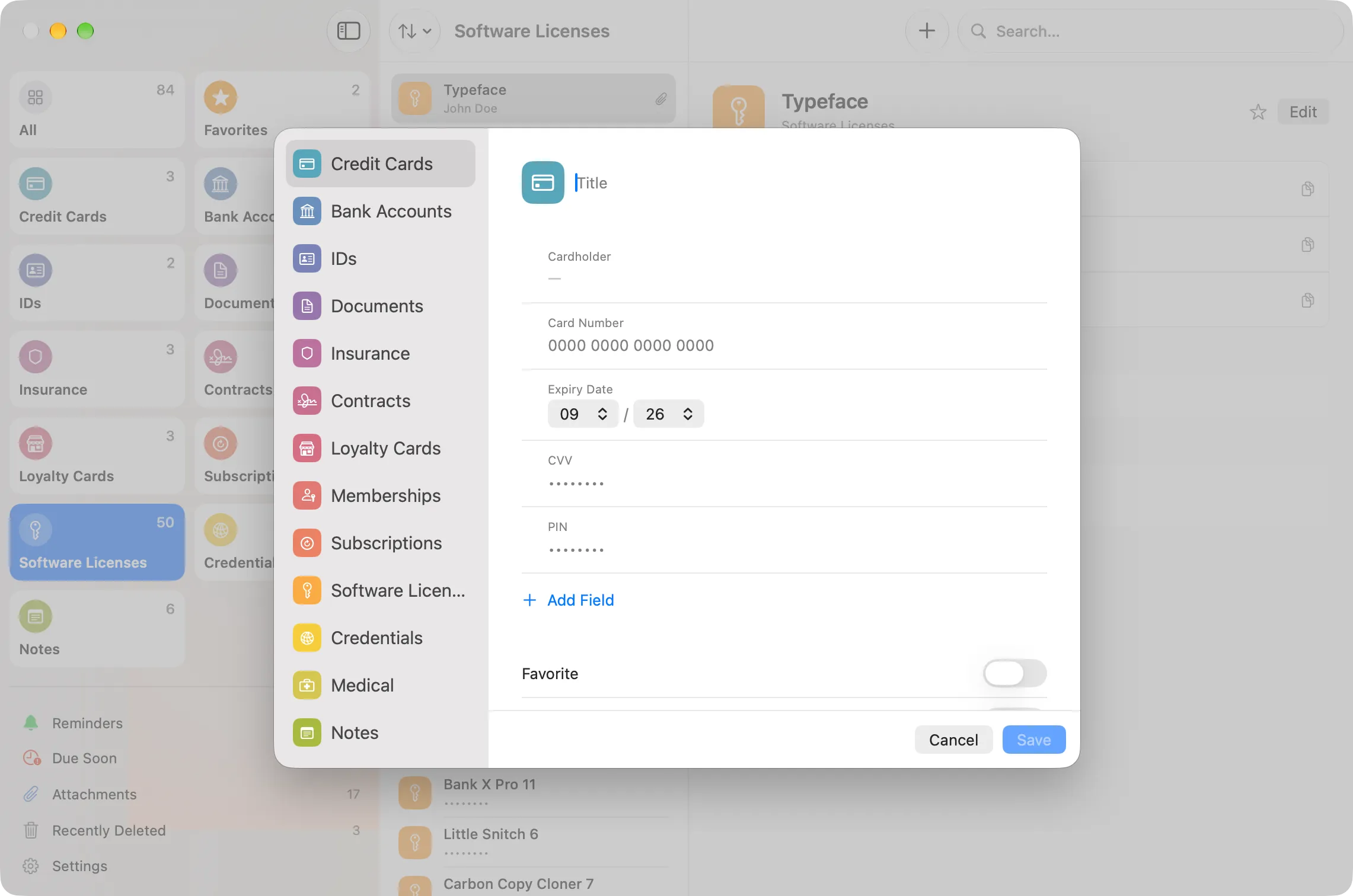
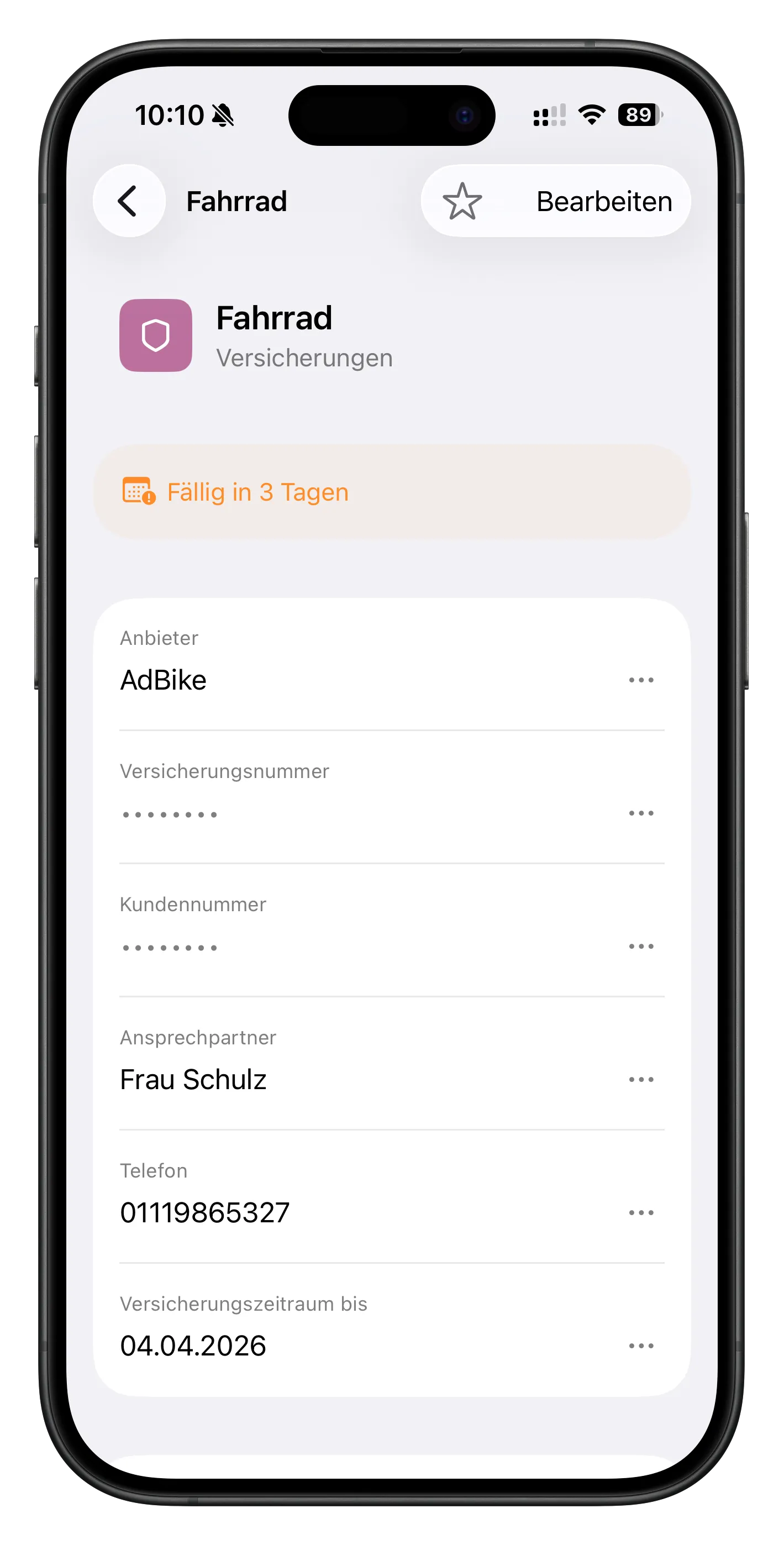
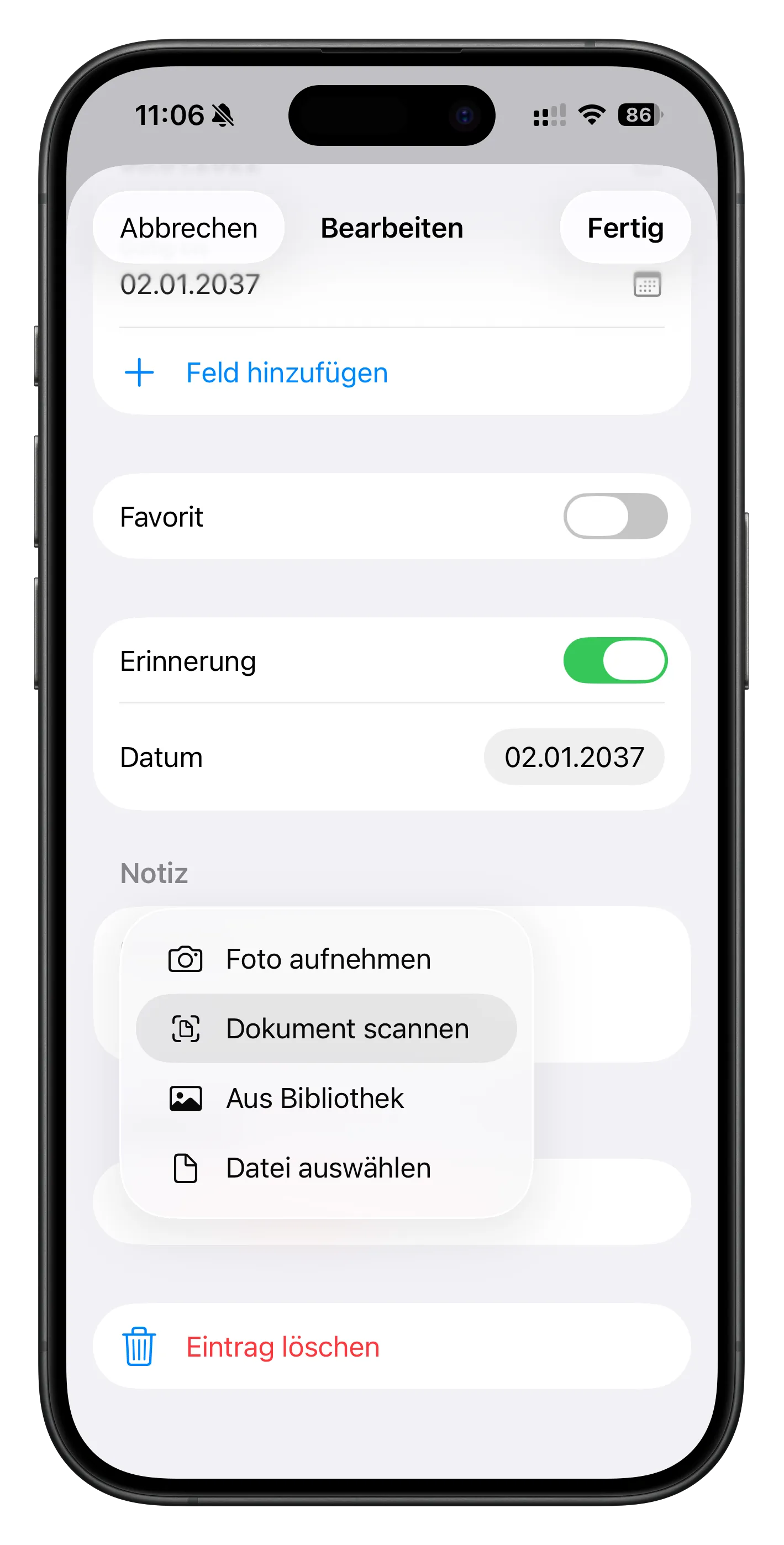
Flexible and customizable: Choose from 13 categories and tailor each entry with custom fields – text, sensitive data, date, interval, or barcode fields, whatever you need. Fields can be reordered freely. Attachments can be added via a file dialog, on Mac also by drag & drop, and on iPhone and iPad directly from Camera, Photos or Files. And so you never forget anything: every entry can have a reminder – with an optional advance warning.
Menu Bar App
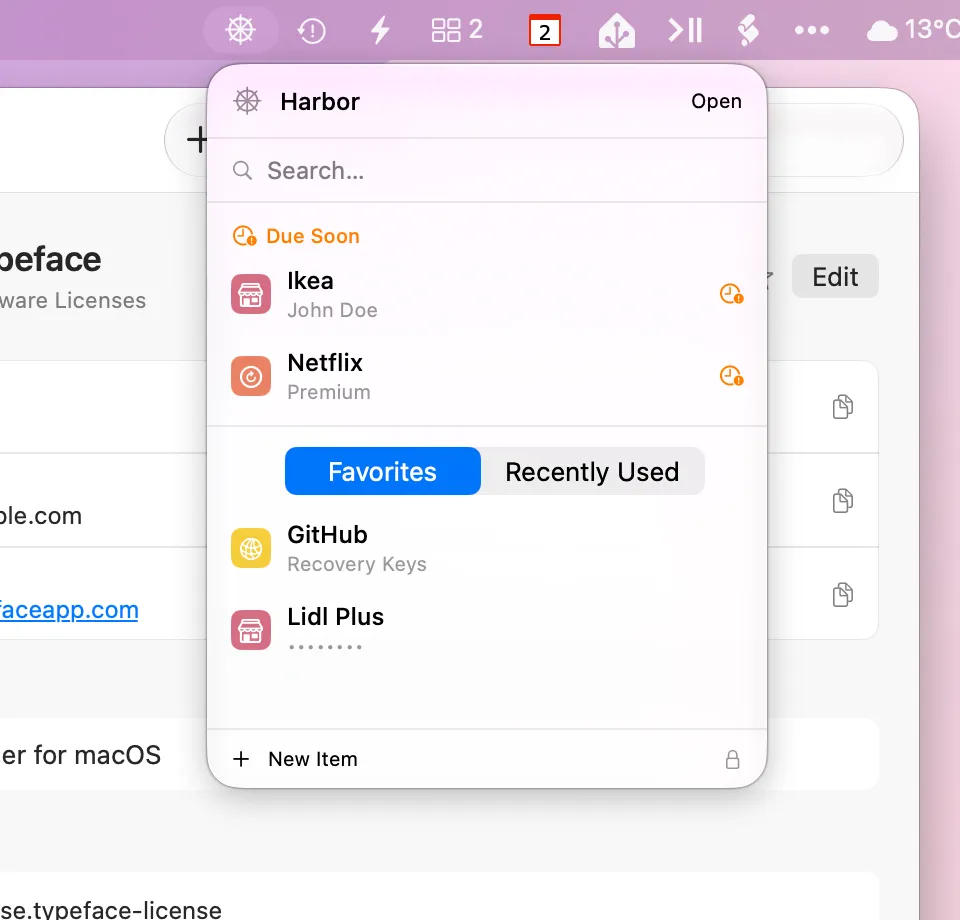
Search entries, copy data quickly – all directly from the Mac menu bar.
Expiry dates always in view
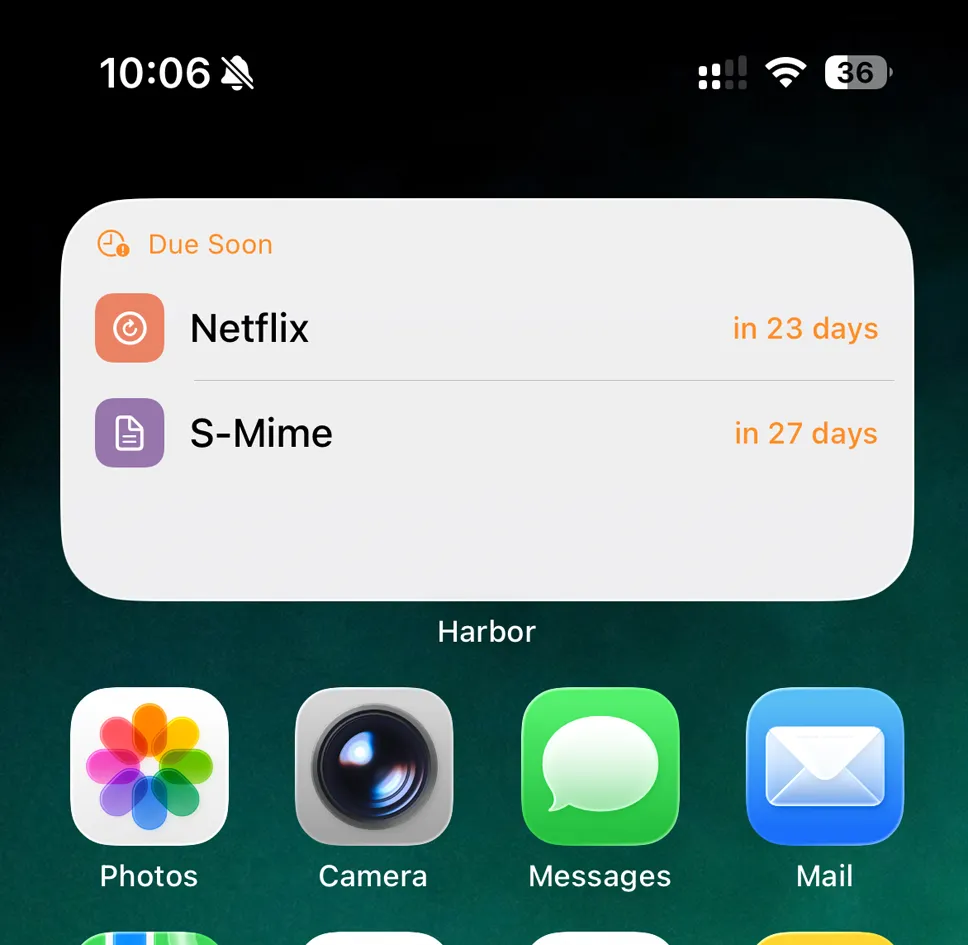
The widget shows you directly on your home screen what’s due soon – IDs, subscriptions, insurance, contracts. The time window is configurable in Settings from 1 to 30 days (default: 14 days).
Never forget again
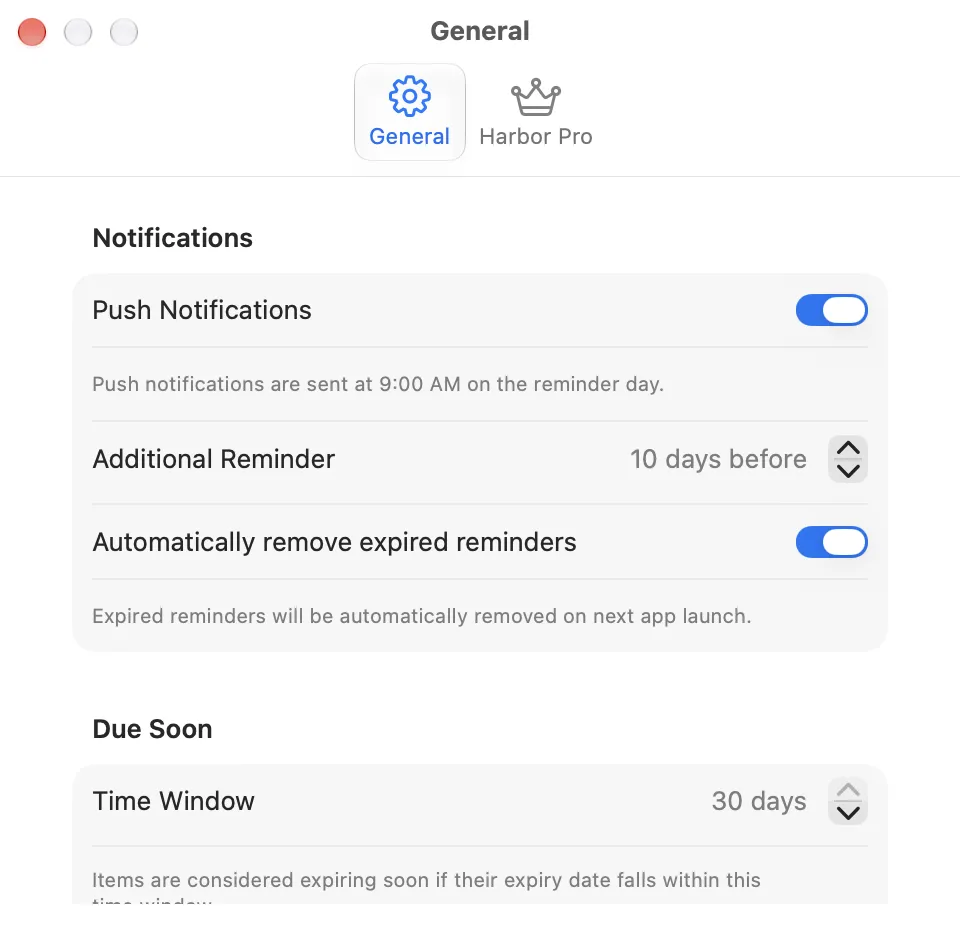
Set reminders for important dates. Harbor notifies you in time on all your devices – with an optional advance warning.
Documents always with you
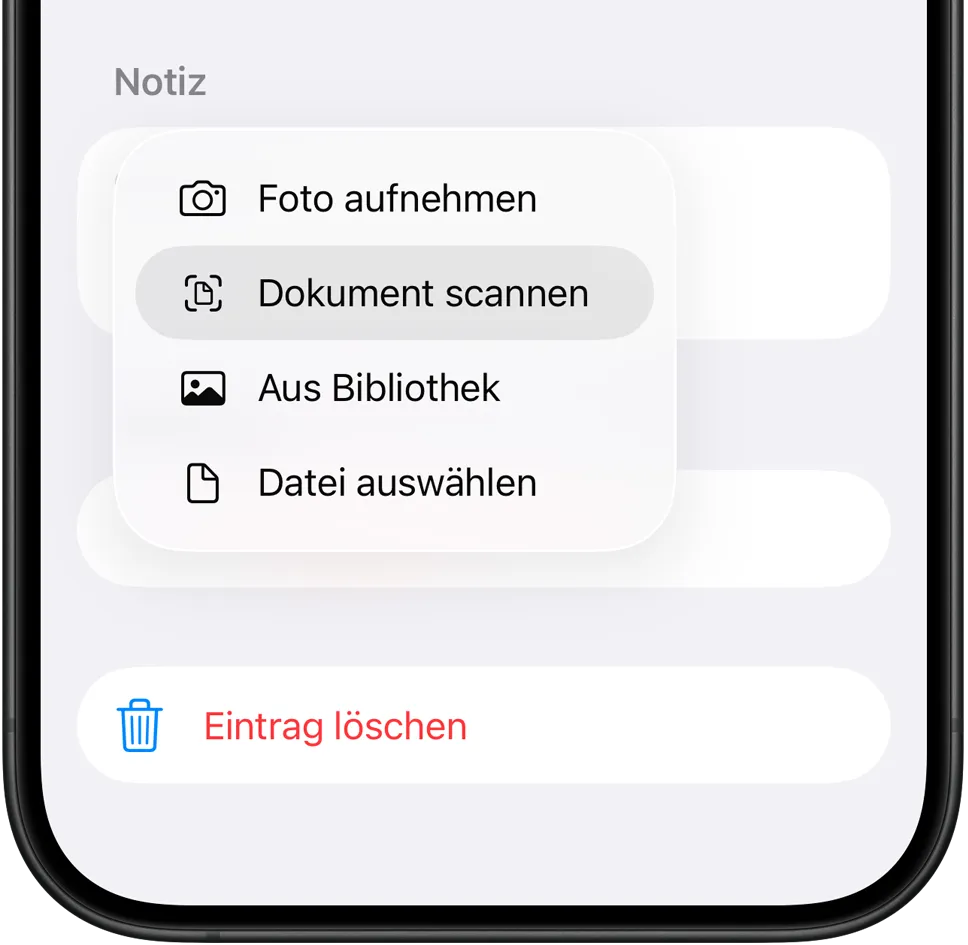
Photograph important documents directly in the app or scan them with the built-in document scanner. On Mac, drag and drop any attachment – documents, insurance papers, photos, and more – directly to an entry. Stored securely, always available.
Barcodes
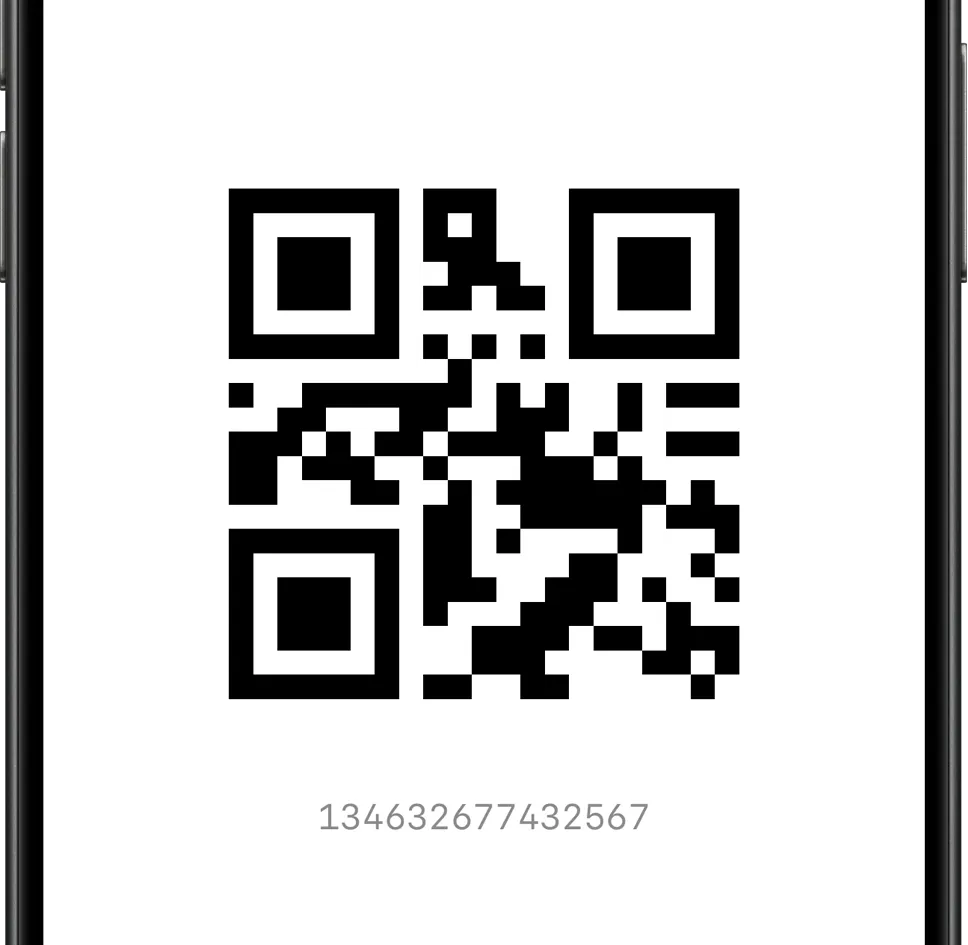
Harbor automatically generates a barcode from card numbers. Present your loyalty card directly from the app – no plastic needed.
Import/Export
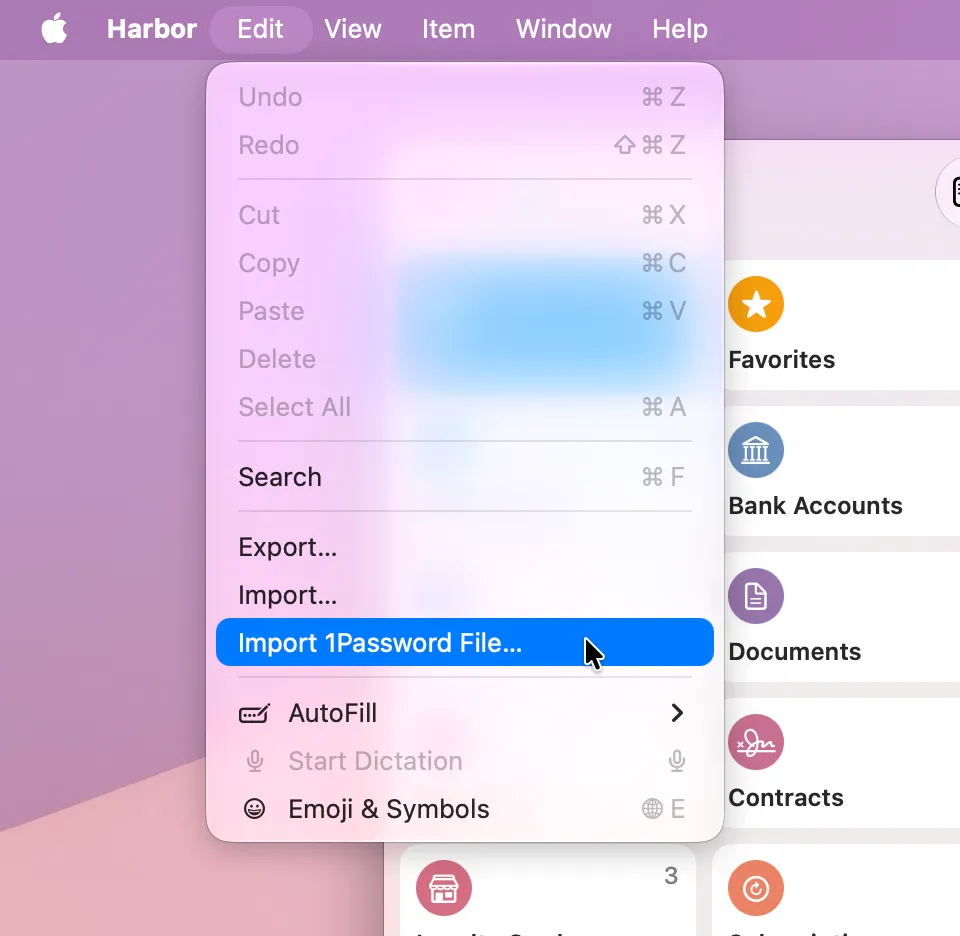
Export all your items as a JSON file and import them back. This gives you a backup of your data at any time, independent of iCloud. You can also import 1Password data via the Harbor menu on Mac. Credit cards, bank accounts, software licenses, secure notes, identities, memberships, loyalty cards, documents, and medical records are imported. Login credentials are not imported, as Harbor is not a password manager.
Harbor
Free on the App Store. Store up to 5 entries.

Harbor Pro
Unlimited entries. All devices. Family Sharing.
$0.99 / month · $9.99 / year · $29.99 one-time
Frequently Asked Questions
Do I need an account?
No. Harbor doesn’t require a separate account, an email address or any registration. Harbor uses iCloud to sync your data across your devices – so all you need is the Apple ID you already have.
Where is my data stored?
Your data is stored exclusively in your personal iCloud – on Apple’s servers, in your account. We have no access to your data. Harbor itself contains no analytics tools, no trackers and no telemetry.
How secure is my data?
Harbor stores all data locally on your device – encrypted with Apple’s strongest data protection level. In iCloud, your data is secured with iCloud encryption. For maximum protection, we recommend enabling Advanced Data Protection for iCloud – this ensures all data is end-to-end encrypted.
Which devices does Harbor support?
Harbor runs on iPhone, iPad and Mac. It’s a Universal Purchase – buy once, use on all your Apple devices.
How do I transfer my data to a new device?
Simply sign in on your new device with your iCloud account – Harbor will sync your data automatically.
What’s the difference between “Reminders” and “Due Soon”?
“Due Soon” shows items whose expiry date is approaching – for example a passport or an insurance policy. The time window is configurable in Settings from 1 to 30 days (default: 14 days). This happens automatically, without any action required on your part.
“Reminders” are manual push notifications you set yourself for a specific item – with a date of your choice and an optional advance notice.
What is Harbor Pro?
Harbor Pro is the full version of Harbor. It removes the 5-item limit and unlocks all features – without any restrictions.
Harbor Pro is available as a monthly or yearly subscription, as well as a one-time lifetime purchase. All plans include Family Sharing for up to 6 people.
What happens when my subscription expires?
You can still view and export all your saved items. Editing items and adding new ones requires an active subscription or a lifetime purchase.
More Apps

MetaData

DeskMate

Hopper

Designers Toolbox
